JSON Formatter
Validate, format, minify, analyze, and inspect JSON as a tree locally.
Formatter settings
Input
Private by design: your data never leaves your device.
, drop a file, or to begin.
Output
Paste valid JSON to see the preview.
Paste valid JSON to see the preview.
How it works
How it works
Video
Step by step
- 1
Choose a mode
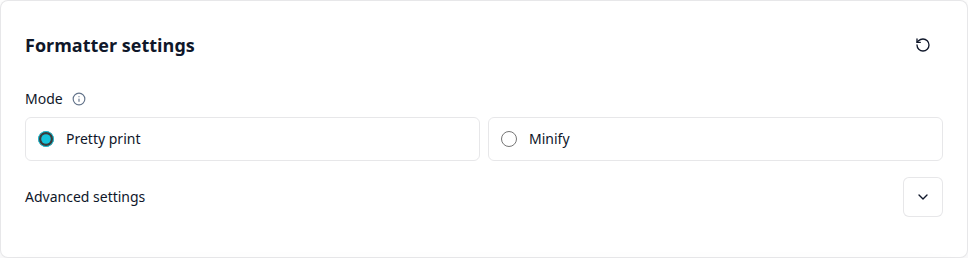
Choose between pretty print for readable JSON and minify for the smallest possible file size.
- 2
Paste your JSON
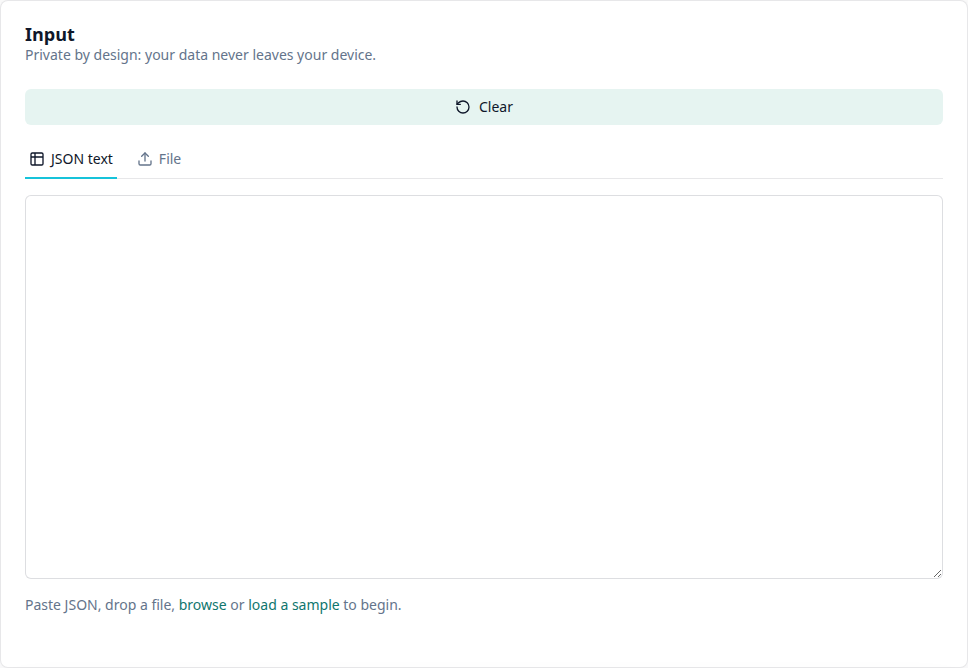
Paste JSON text, drop a file via drag and drop, or choose one via “browse”.
- 3
Review the result
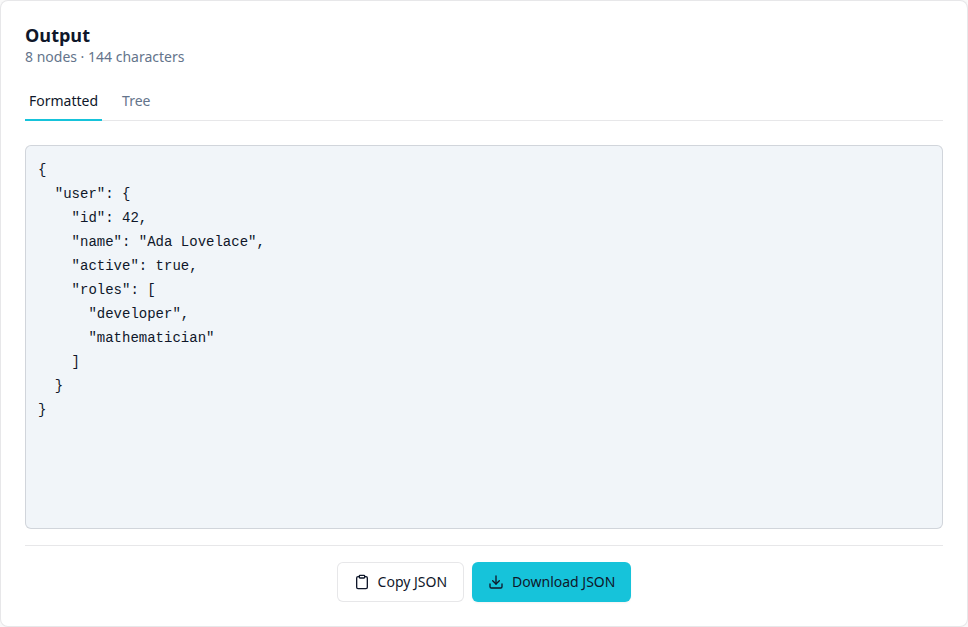
View the result as formatted text or as an interactive tree; adjust advanced settings if needed.
- 4
Copy or download
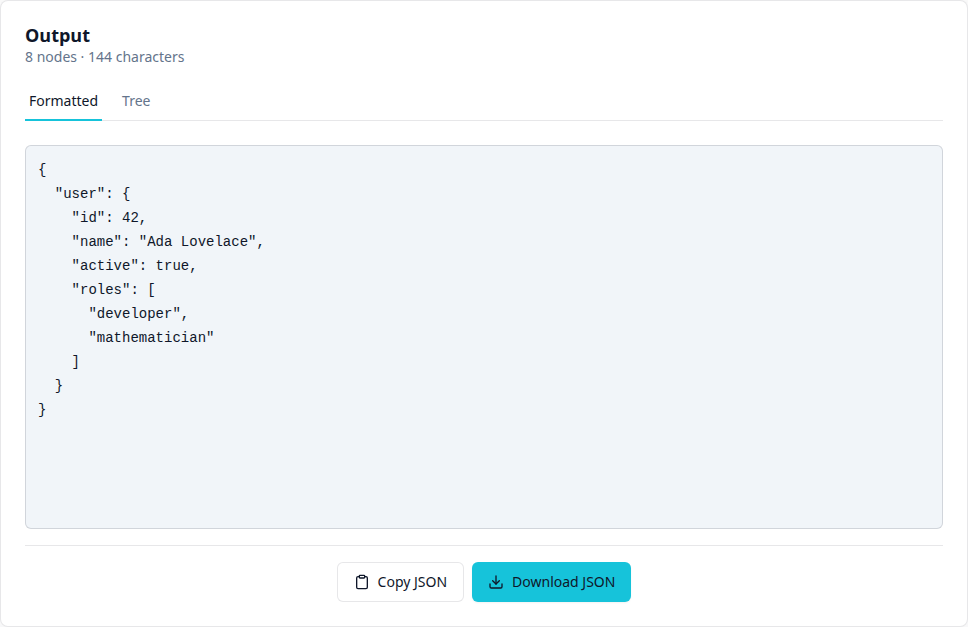
Copy the result to the clipboard or download it as a .json file.
Features
Features
Pretty print and minify
Format JSON with readable indentation, or minify it down to the smallest possible size.
Live validation with precise error messages
Syntax errors and duplicate keys are detected as you type, with a clear, specific error message.
Interactive tree view
Alongside the formatted text view, the same structure can be explored as a navigable tree with object and array summaries.
Configurable formatting
Indentation (2, 3, 4 spaces or tab), line endings (LF/CRLF), key sorting, and non-ASCII escaping can each be configured individually.
Up to 50 MB, no upload
JSON files up to 50 MB are processed entirely in your browser. There is no server round trip.
Copy or download the result
The formatted or minified result can be copied to the clipboard or downloaded as a file with one click.
Frequently asked questions
Frequently asked questions
Is the JSON Formatter free?
Yes. The JSON Formatter is completely free to use, with no sign-up and no usage limit.
Are my JSON files uploaded anywhere?
No. All processing happens locally in your browser. Pasted text and selected files are never sent to a server.
How large can the JSON file be?
Up to 50 MB per file.
What is the difference between pretty print and minify?
Pretty print adds indentation and line breaks for readability. Minify removes all non-essential whitespace to make the file as small as possible.
Does the tool detect duplicate keys or invalid JSON?
Yes. For duplicate keys and syntax errors, the tool shows a precise error message instead of silently changing the result.
Can I see a tree structure instead of the formatted view?
Yes. The “Tree” tab in the output shows the same structure as a navigable tree with object and array summaries.
More tools
More tools
JSON to YAML
Convert JSON files or pasted JSON text to YAML directly in the browser.
JSON to CSV
Convert JSON files or pasted JSON text to CSV directly in the browser.
JSON to XML
Convert JSON files or pasted JSON text to XML directly in the browser.
JSONPath Query Evaluator
Run RFC 9535 JSONPath queries locally against JSON and show normalized paths.
JMESPath Evaluator
Run JMESPath Core expressions locally against JSON and export the JSON result.
JSON to TypeScript Interface
Infer TypeScript interfaces and type aliases from JSON sample data locally in the browser.